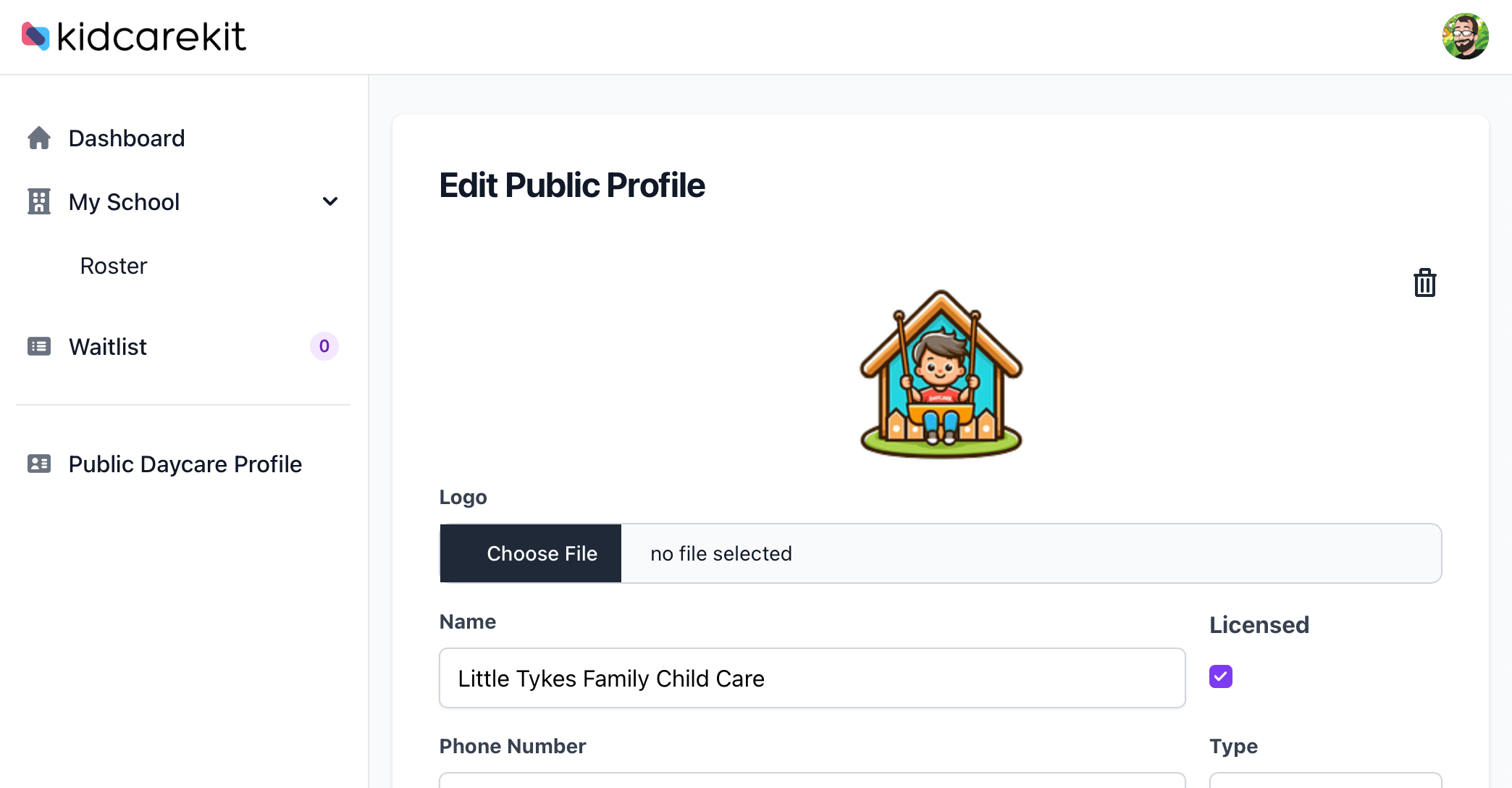
Start with a public daycare profile and access to your oldest five waitlist entries. Membership gives you unlimited waitlist access.
Set up the daycare profile you share with prospective families.
From the first inquiry to everyday care
Keep the information your daycare needs together, with tools for owners, staff and families.
Welcome new families
Share your public daycare profile and online waitlist so families can send an inquiry themselves. Manage enrollment, child records and guardian relationships in one place.
Public profile · Online waitlist · Child and guardian records
Keep daily operations organized
Assign schedules and rates, check children in and out, and review attendance history and reports. Give your team their own accounts with owner, manager and staff roles.
Schedules and rates · Attendance · Staff access
Make tuition records easier to manage
Generate weekly tuition charges from active schedules, configure late fees, and record payments received outside KidCareKit, including partial payments. See what has been paid and what is still outstanding.
Parents can download PDF receipts and annual family payment statements for their records.
Weekly charges · Payment records · Receipts and statements
Stay connected with families
Invite guardians to the parent portal to view their children's attendance and payment records. Send and receive in-app messages between your team and families.
Parent portal · Family access · In-app messaging
A clear place to start
Your setup checklist saves your progress so you can come back when you have a moment.
Create your daycare profile
Add your daycare details and share your public waitlist link.
Set up programs and rates
Configure the schedules and weekly rates you offer.
Add a child and invite a guardian
Connect a family to their child's records in the parent portal.
Record your first attendance
Start using check-in and checkout for everyday care.
Simple pricing, a free place to start
Free account
Create your daycare profile and start organizing family inquiries.
A public daycare profile and online waitlist form
View and manage your oldest five waitlist entries
A setup checklist you can complete at your own pace
Unlock unlimited waitlist access as your daycare grows. Manage inquiries beyond the free account's five-entry limit.
Explore the enrollment, attendance, tuition records and family communication tools described above. Availability of newer tools varies by daycare; see the answers below.
Manage your subscription through the billing portal.
A few things to know
Can parents use KidCareKit?
Yes. Invite a guardian to the parent portal to see their children's attendance, payment records, receipts and annual statements, and exchange messages with your daycare.
Does payment tracking collect money online?
The standard workflow creates tuition charges and lets your team record payments received outside KidCareKit. Online tuition checkout is in limited availability and requires your daycare to configure its own Stripe account. Tuition payments are processed on that daycare's connected account.
Are all new features available to every daycare?
Some newer tools, including CSV roster imports, admissions offers and enrollment document packets, are in limited availability. They may not appear in every account. Contact us about availability.
What happens when my free waitlist grows?
With a free account, you can view and manage your oldest five waitlist entries. A monthly membership provides unlimited waitlist access.
Give your daycare's paperwork a home
Start with your profile and waitlist, then work through your setup checklist.